Fallout New Vegas AI NPC Mod: Mojave Dialogue and Voice Commands
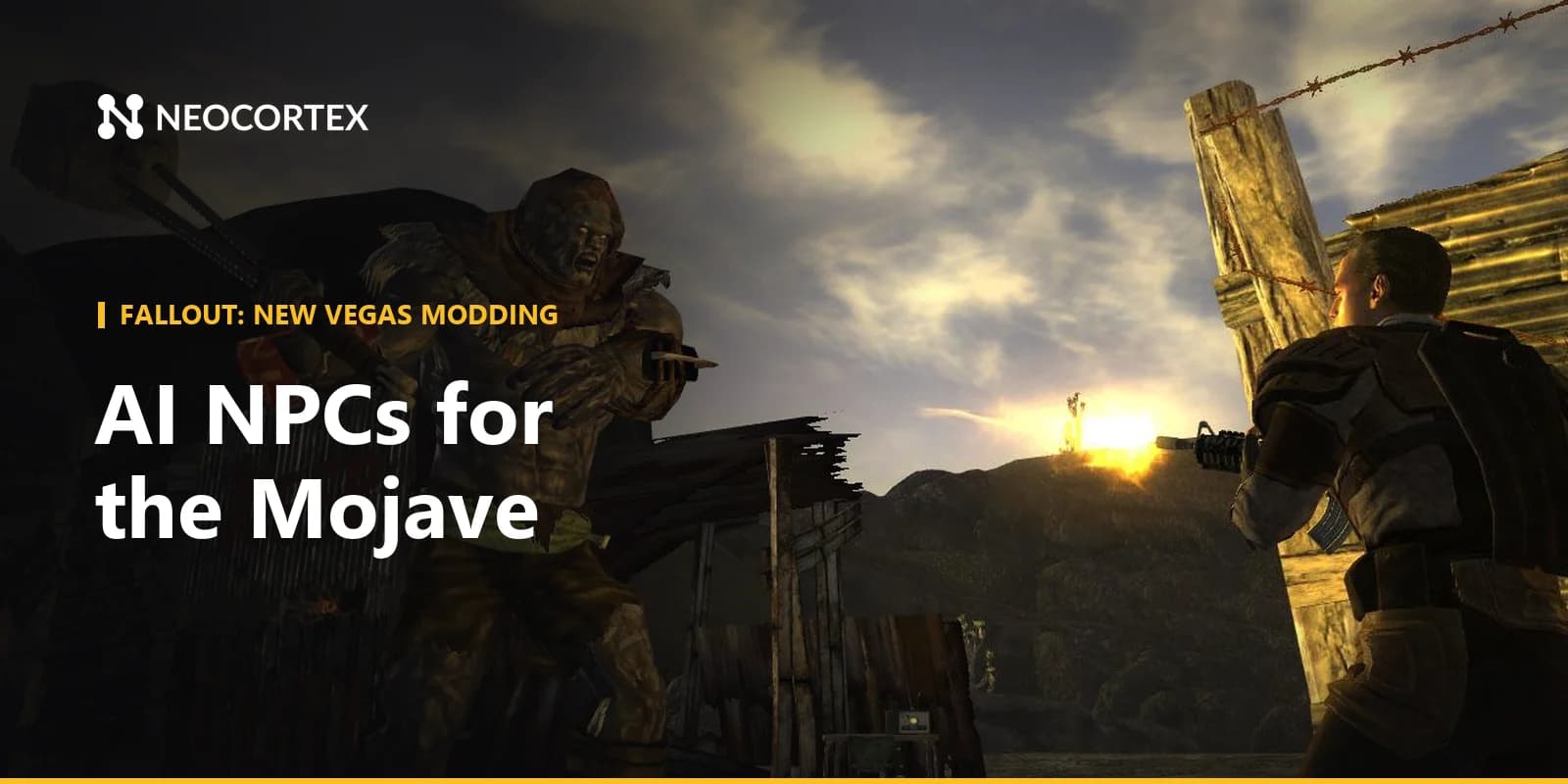
New Vegas has some of the sharpest writing in Fallout, and players still wish they could ask its characters one more question. A Fallout New Vegas AI NPC mod built on Neocortex lets Mojave NPCs answer in their own words, adds voice commands for companions and puts an original trivia host on the Strip. Here is what you could build and how it fits on top of xNVSE, JIP LN NVSE and the GECK.
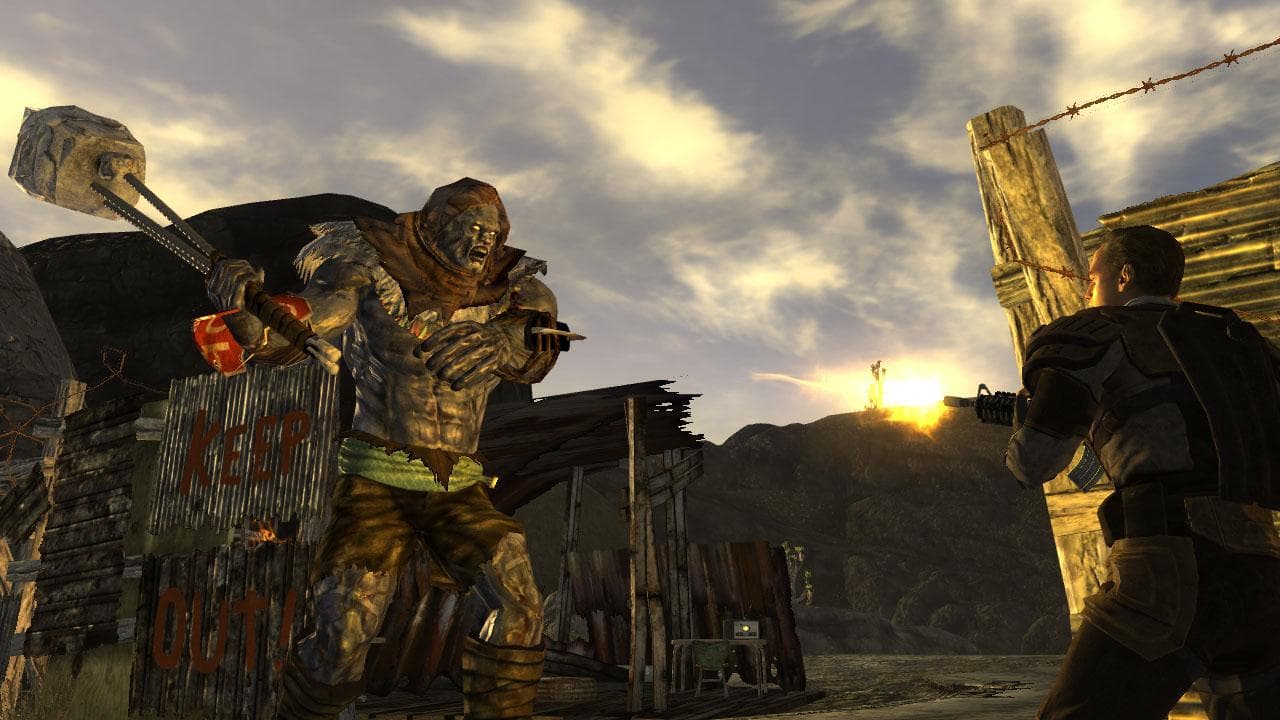 Screenshot: Fallout: New Vegas © Bethesda Softworks
What you could build with Neocortex in Fallout: New Vegas
Talking Mojave NPCs
Start small, with a handful of characters in Goodsprings or Novac: a prospector, a caravan guard, a shopkeeper who has seen too many couriers come through.
Each becomes a Neocortex character with a Personality type, an Emotion profile and a Knowledge base built from a TXT file about local factions, recent raids and who owes whom.
Your mod sends the player's line with recent events ("the player is wearing NCR armor", "the player's reputation with the Powder Gangers is low") and nearby objects such as the shop counter or a locked gate.
The character answers in voice, each line carries an emotion tag like ANGRY or HAPPY, and actions like OPEN_SHOP or { "name": "OPEN_DOOR", "targetId": "gate_01" } tell your mod what to do.
Faction reputation makes this especially good in New Vegas. Send it with each message, and the same shopkeeper is friendly to one player and cold to the next.
Voice commands for companions
The companion wheel works, but it breaks the flow of a firefight. Design a command set with actors ("Boone", "ED-E", "everyone"), actions ("wait", "follow", "attack", "use") and objects ("here", "that ghoul", "ranged weapons"). Players say "wait here and keep your distance" or "everyone switch to ranged and attack that ghoul", and your mod receives clean commands, including several actions in one sentence. It works push-to-talk or always-listening, offline, in multiple languages, using the Neocortex Voice Commands library on the player's machine. See our post on on-device voice commands for game mods for the details. Voice Commands is a licensed SDK: contact us for a Voice Commands license.
A casino-host trivia night on the Strip
Add a new lounge to the Strip with an original host, say Dixie Laroux, a silver-voiced emcee who runs trivia between card games. Questions cover pre-war Vegas, the Mojave's factions and the wasteland's odder corners. The question set lives in the Neocortex dashboard and the quiz engine (Team plan) handles questions, scoring and a leaderboard. Your mod pays out chips for a winning streak, and a Conversation Flow can steer Dixie's banter between rounds, returning checkpoint keywords when the player wins the jackpot round.
How Fallout: New Vegas modding works
- xNVSE is the community-maintained New Vegas Script Extender. It expands the engine and the scripting language without changing the game files on disk, and it loads native C++ plugins. It supports the Steam and GOG versions; Epic users need a community patcher, and the Game Pass version is not supported.
- JIP LN NVSE is a plugin that adds more than a thousand new script functions, plus engine fixes. Most modern New Vegas mods depend on it.
- The GECK (Garden of Eden Creation Kit) is the official editor, found in the Tools section of a Steam library and included with the GOG release. The GECK Wiki documents the scripting language and the functions xNVSE adds.
New Vegas is a 32-bit game, so your native plugin is a 32-bit C++ xNVSE plugin. It makes HTTPS calls with WinHTTP or libcurl on a worker thread and exposes new script functions your GECK scripts can call. GECK scripts decide when an NPC speaks, show the reply with the game's message functions, set quest stages and drive companions. For generated voice, the plugin plays the audio returned by the API through its own playback code.
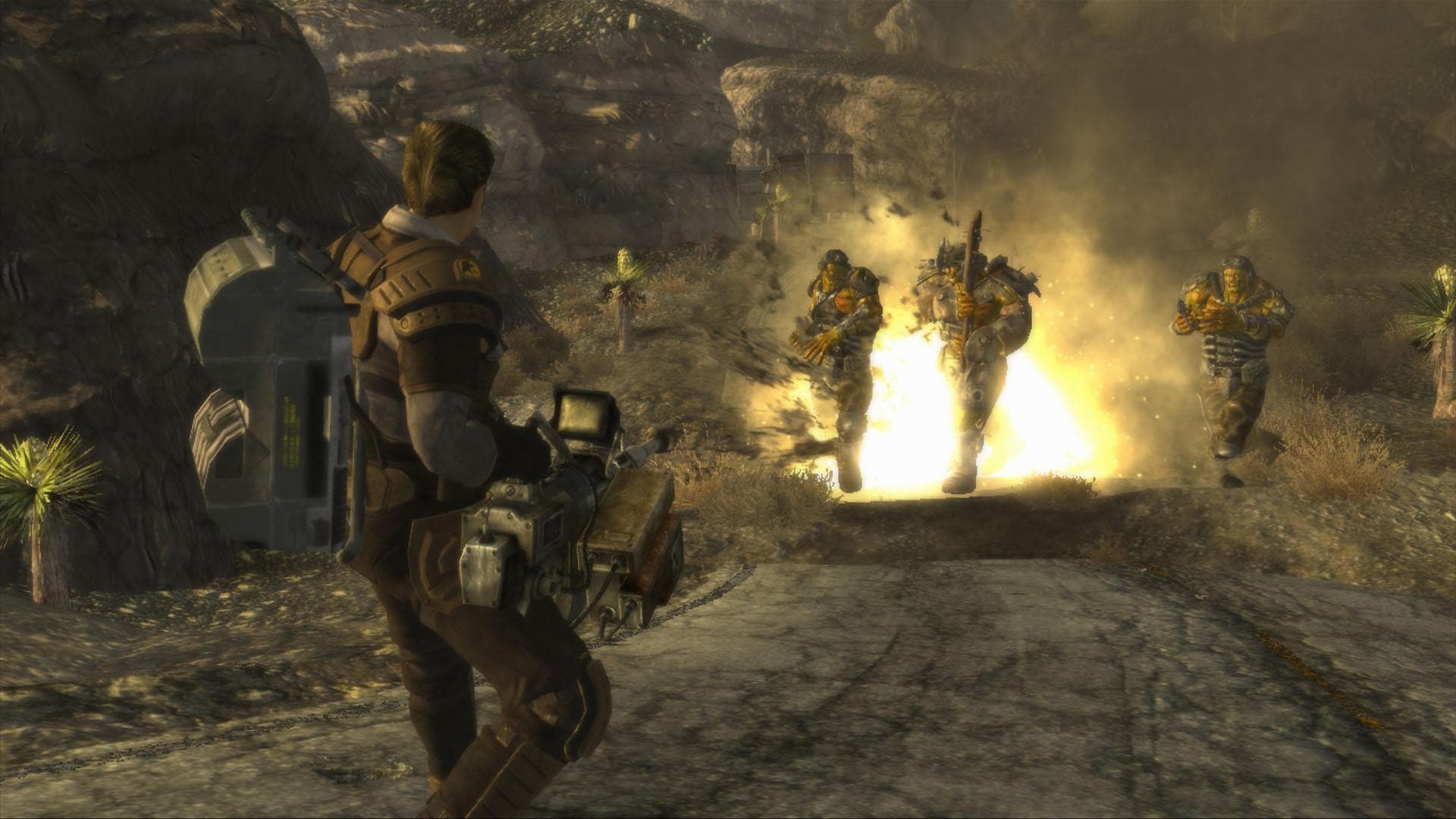 Screenshot: Fallout: New Vegas © Bethesda Softworks
How Neocortex fits in
- Dialogue. The mod reads game state and sends it to a Neocortex character through
/v3/chat, shows the reply as subtitles, plays the voice from/v3/audio/generateor/v3/audio/stream, and runs the actions the character returns. - Story beats. Conversation Flows steer branching scenes and return checkpoint keywords (
flowState) your GECK quest scripts react to. - Quizzes. The quiz engine runs question-and-answer games through
/v3/quiz. - Voice commands. On-device voice commands turn spoken phrases into companion and player actions without a cloud round trip.
Here is how the plugin could build a /v3/chat request that includes nearby objects:
// xNVSE plugin. HttpPost() is your own WinHTTP wrapper that adds the
// "x-api-key" header from the player's config file. Call it off the game thread.
using json = nlohmann::json;
json body = {
    {"characterIds", json::array({cfg.shopkeeperId})},
    {"message", playerLine},
    {"playerId", "player-1"},
    {"sessionId", sessionId},
    {"metadata", json::array({ {{"id", "gate_01"}, {"name", "Town gate"}},
                               {{"id", "counter_01"}, {"name", "Shop counter"}} })},
    {"events", json::array({ {{"priority", 1}, {"content", "Player wears NCR armor"}} })}};
std::string raw = HttpPost("https://api.neocortex.link/v3/chat", body.dump());
Getting started with your Fallout New Vegas AI NPC mod
- Install the framework. Set up xNVSE and JIP LN NVSE, then grab the GECK and the GECK Wiki.
- Design the character in the Neocortex node editor: Personality, Emotion, Knowledge, Voice and the Actions your scripts handle. Test it in the browser for free.
- Add the extras: a quiz question set for the Strip host, a Conversation Flow for a side story, or a companion command set.
- Write a small xNVSE plugin that calls the API and exposes functions to your GECK scripts.
- Keep the API key in a config file each player fills in. Never ship your key inside a shared mod.
- Test in single-player on a separate save, with your usual stability mods installed.
Mod policy and fair play
New Vegas is single-player, so an AI NPC mod only changes the player's own Mojave. Keep your mod free and non-commercial, follow Bethesda's terms for player-made content, and use original characters for new content, as with the trivia host above. Use a designed voice or one you own the rights to, and have each player use their own Neocortex API key.
New to voice control in mods? Start with on-device voice commands for game mods, then compare with our Fallout 4 AI NPC mod guide or browse the full AI NPC and voice command mods index.
Tool versions and links checked October 2026. Modding tools change often; check each project's page for the latest release.
Frequently Asked Questions
Can you add AI NPCs to Fallout: New Vegas?
Yes, on PC. An xNVSE plugin can send the player's words and game events to an AI character, then show the reply in game and play it as voice. Neocortex provides the characters, voices, Conversation Flows and quizzes through one API.
Which tools do I need to mod Fallout: New Vegas with AI?
xNVSE for native plugins and extended scripting, JIP LN NVSE for its large library of extra script functions, and the GECK for quests, dialogue and placing NPCs. Your plugin then calls the Neocortex API for dialogue, voice and quizzes.
Does xNVSE work with the Game Pass or Epic version of New Vegas?
xNVSE supports the Steam and GOG versions. Epic users can use a community patcher, while the Game Pass version is not supported. A Neocortex-powered mod works on any version that runs xNVSE.
Can I give voice orders to companions in New Vegas?
With a mod, yes. Neocortex Voice Commands runs offline on the player's PC and turns phrases like "wait here and keep your distance" into companion actions. Voice Commands is a licensed SDK, so contact us for a license.
Written by
Neocortex
Date
Oct 20, 2026
Updated
Oct 20, 2026
Read time
6 min