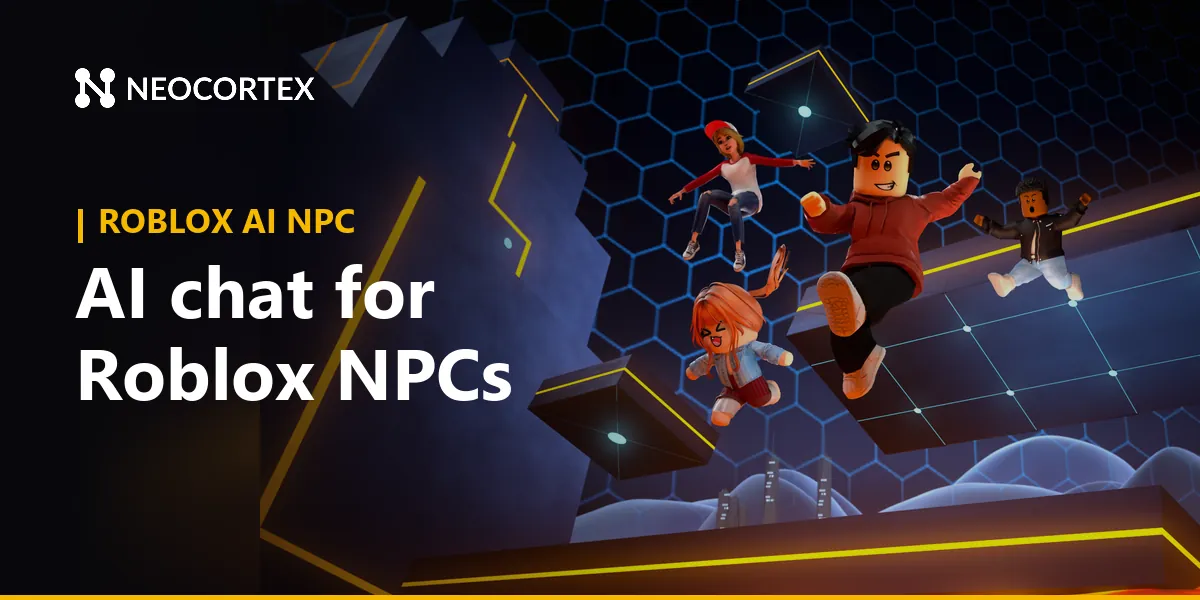
Roblox AI NPC: Add AI Chat to Your NPCs in Roblox Studio
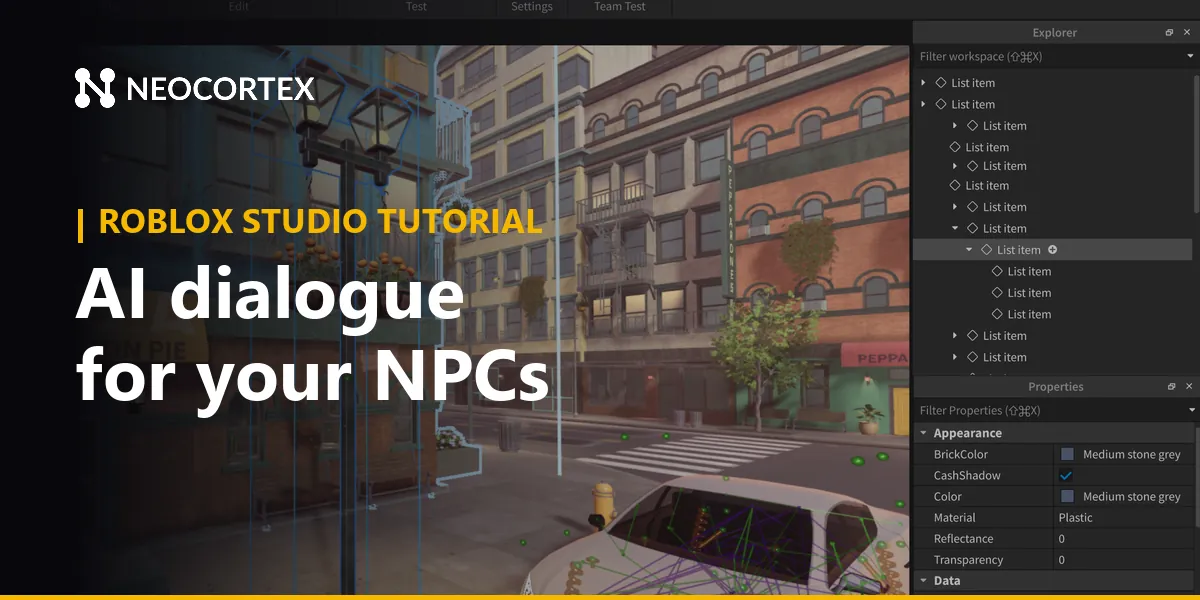
A Roblox AI NPC is a character that answers whatever a player types, in its own personality, instead of picking from three canned lines. Roblox can't run a language model inside your experience, but a server Script can call one over HttpService. This guide shows the whole loop in Roblox Studio: the player types to the NPC, Neocortex writes the reply, Roblox filters it, and a chat bubble pops up over the NPC's head.
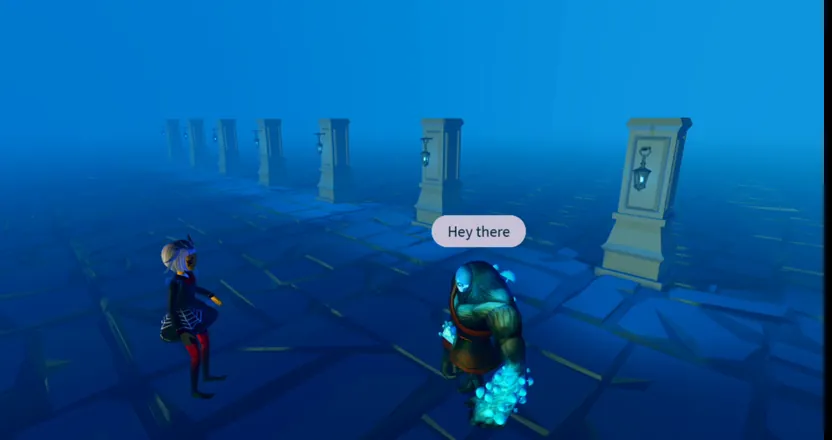 Image: Roblox © Roblox Corporation
What you can build with a Roblox AI NPC
A gate guard who has heard every excuse
Bricktop Bay is an original obby with a pirate harbour at stage 20. Captain Marrow guards the gate to the bonus stages and only lets players through if they convince him. Players try flattery, bribes and terrible lies. He answers each one in character, and when someone finally makes him laugh, the reply carries an OPEN_GATE action that your script runs.
A shopkeeper in a tycoon
In a fishing tycoon, Old Wren buys the catch at the dock. She knows the price list from her knowledge base, grumbles about the weather, and haggles. Your server code still sets the real price: the character decides a discount is deserved, and your economy decides how big it is.
A quest giver in an RPG hub
Sister Pell runs the shrine in a fantasy hangout. She hands out the daily quest, explains the lore when players ask, and remembers what each player told her yesterday, because the game saves their session and resumes it on the next visit.
How a talking NPC works in Roblox
Everything that touches the API runs on the server, so the key never reaches a player's device. Here is who does what:
| Job | Where it runs | Roblox tool |
|---|---|---|
| Player starts a conversation | Client | ProximityPrompt and a TextBox |
| Send the typed text to the server | Client to server | RemoteEvent |
| Call Neocortex, hold the API key | Server | HttpService:RequestAsync, HttpService:GetSecret |
| Filter the reply | Server | TextService:FilterStringAsync |
| Show the bubble | Client | TextChatService:DisplayBubble |
| Remember each player | Server | DataStoreService |
HttpService can't be used from a LocalScript, and DisplayBubble only works on the client, so the reply travels back through a second RemoteEvent. The HttpService reference and the text filtering guide on the Creator Hub cover both sides.
Set up Roblox Studio first
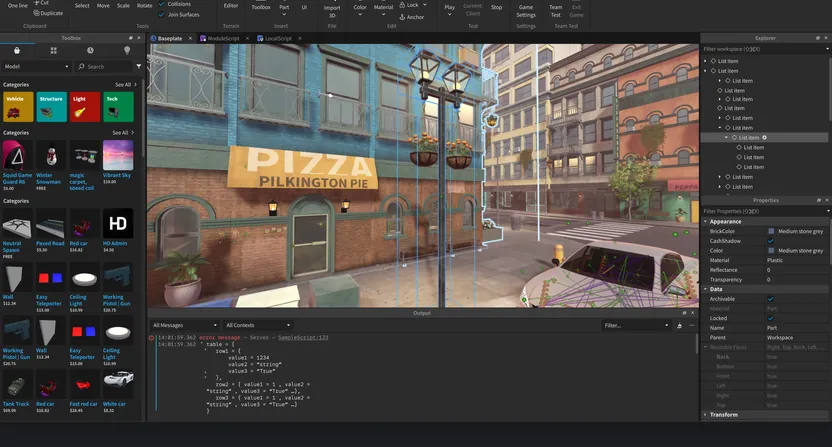 Image: Roblox © Roblox Corporation
Three settings save an hour of confusion:
- Allow HTTP requests. Outgoing requests are off by default. Turn on Allow HTTP Requests in the Security tab of your experience settings.
- Store the API key as a secret. In the Creator Hub, add your Neocortex key to the experience's secrets store with the domain
api.neocortex.link. A secret can't be printed or logged, and it only works when it is sent in a request. - Add a local test secret. Secrets from the Creator Hub aren't available in Studio playtests, so add a local copy in your experience settings while you test.
Then tag each NPC model with an attribute called CharacterId, holding the ID of the character you designed in Neocortex. One script can then serve every NPC in the place.
The Roblox AI NPC script
Put this in a Script in ServerScriptService, with two RemoteEvents, AskNPC and NPCReply, in ReplicatedStorage:
local HttpService = game:GetService("HttpService")
local TextService = game:GetService("TextService")
local ask, reply = game.ReplicatedStorage.AskNPC, game.ReplicatedStorage.NPCReply
local sessions = {} -- player -> sessionId (save it in a DataStore to keep it between visits)

ask.OnServerEvent:Connect(function(player, npc, text)
	local ok, res = pcall(HttpService.RequestAsync, HttpService, {
		Url = "https://api.neocortex.link/v3/chat",
		Method = "POST",
		Headers = {
			["Content-Type"] = "application/json",
			["x-api-key"] = HttpService:GetSecret("neocortex"), -- from the secrets store
		},
		Body = HttpService:JSONEncode({
			characterIds = { npc:GetAttribute("CharacterId") },
			message = string.sub(text, 1, 200),
			playerId = tostring(player.UserId),
			sessionId = sessions[player] or "",
		}),
	})
	if not ok or not res.Success then return end -- fall back to a canned line here
	local data = HttpService:JSONDecode(res.Body)
	sessions[player] = data.sessionId
	local line = data.messages[1].lines[1].text
	local filtered = TextService:FilterStringAsync(line, player.UserId)
	reply:FireAllClients(npc, filtered:GetNonChatStringForBroadcastAsync())
end)
On the client, a LocalScript listens to NPCReply and calls TextChatService:DisplayBubble(npc.Head, line). The ProximityPrompt that opens the TextBox is the only other client code you need.
Wrap the filter call in pcall as well, and if filtering fails, show nothing. Check the NPC and the player's distance on the server too, so a modified client can't make any NPC say anything from across the map.
Make the NPC feel smart
The script above is a working talking NPC. These additions make it feel like it belongs in your game:
- Memory between visits. Neocortex returns a
sessionIdwith every reply. Save it per player and NPC in a DataStore, send it on the next visit, and the character resumes the player's session where it ended. - Actions. Add Action nodes like
OPEN_GATEorGIVE_ITEMto the character in the visual editor. Each reply lists the actions to run, and your server checks them before running them. The dialogue system guide shows how to route them. - Game context. Send nearby objects as
metadataand recent happenings asevents("the player just finished stage 20", "a storm hit the harbour"), so the NPC talks about what is actually going on. - Emotion tags. Every line comes with an emotion such as
HAPPY,ANNOYEDorSCARED. Map them to animations or a small emote over the bubble. - A knowledge base. Upload your game's lore, prices or rules as a document, so the NPC answers from your world and not from the internet.
Can Roblox NPCs talk out loud?
Roblox only plays audio it hosts, so you can't stream a voice file from an outside server straight into a game. There are two routes that work:
- Roblox's own text-to-speech. The
AudioTextToSpeechobject reads a line of up to 300 characters in one of Roblox's voices. Feed it the filtered Neocortex reply and wire it to an emitter on the NPC. - Pre-voiced lines. Generate fixed lines, such as greetings, barks and quest intros, in your character's Neocortex voice, then upload them as audio assets through the Creator Hub. Roblox reviews uploaded audio before it plays.
Many Roblox players play muted, so keep the bubble even when the NPC speaks.
Neocortex or Roblox's TextGenerator
Roblox also has a built-in TextGenerator class. You set a system prompt on it, send the player's text, and get text back with a context token that carries the conversation forward. Requests start at 100 per minute and scale with players.
Neocortex is built around characters rather than prompts. You design each NPC in a visual node editor, with a personality, a knowledge base, actions your game runs and emotion tags on every line, and you test it in the browser before writing any code. Group chat (Pro and Team plans) puts up to six characters in one conversation. The same character also works in Unity, Unreal Engine and on the web, so a Roblox prototype can grow into a bigger game without a rewrite.
Getting started with your Roblox AI NPC
- Design the character in the Neocortex dashboard: personality, backstory, how it talks to players, and the actions it may return.
- Talk to it in the browser until it sounds right and stays in your game's world.
- Create an API key and add it to your experience's secrets store, plus a local copy for Studio.
- Turn on Allow HTTP Requests and add the
AskNPCandNPCReplyRemoteEvents. - Paste the server script, tag your NPC with its
CharacterId, and add the ProximityPrompt, TextBox and bubble on the client. - Playtest with a friend in a local server, then add memory, actions and a cooldown.
Rules for AI NPCs on Roblox
Filter every reply before anyone sees it, and if the filter call fails, drop the line. Roblox removes experiences that show unfiltered text. Write the character so it stays in your game and keeps to Roblox's Community Standards, since a large part of the audience is young. Tell players they are talking to an AI, add a per-player cooldown so one player can't spam the NPC, and keep the key in the secrets store, never in a script or a model.
The free plan covers building and testing for personal projects. A game that earns Robux is commercial use, which needs the Pro plan (€29 a month) or Team.
The bottom line
One server script, one secret and a chat bubble are enough to put a talking NPC in your Roblox game. From there, the NPC dialogue system guide adds choices, actions and fallbacks, and smart NPC ideas for Roblox shows what to build next. The same approach works in other games: see our Garry's Mod addon and Minecraft AI NPC mod guides, or the Web API page for the full request format.
Checked October 2026. Neocortex is not affiliated with Roblox Corporation.
Frequently Asked Questions
How do you make an AI NPC in Roblox?
Give the NPC a character ID, let players type to it through a ProximityPrompt and a TextBox, and send the text to a server Script. The script calls the Neocortex API with HttpService, filters the reply with TextService and shows it in a chat bubble over the NPC's head.
Can you put ChatGPT in a Roblox game?
Not inside Roblox itself, but a server Script can call an outside AI service over HttpService. With Neocortex the NPC is a designed character with a personality, a knowledge base and actions, so it stays in your game's world instead of answering like a general chatbot.
Does Roblox have its own AI for NPCs?
Roblox has a TextGenerator class that returns text from a system prompt and a context token. Neocortex adds a visual character editor, a knowledge base, actions your game runs, emotion tags, group chat and the same character in Unity, Unreal and on the web.
Do I have to filter AI NPC text on Roblox?
Yes. Roblox makes developers filter any displayed text they don't control, including text fetched from an outside server, and removes experiences that skip it. Run every NPC reply through TextService:FilterStringAsync on the server before any player sees it.
Is it free to add an AI NPC to Roblox?
You can build and test one on the Neocortex free plan, which includes 2 characters and API access for personal projects. A game that earns Robux is commercial use, which needs the Pro plan (€29 a month) or Team.
Written by
Neocortex
Date
Oct 29, 2026
Updated
Oct 29, 2026
Read time
8 min