Garry's Mod AI NPC Addon: Smart NPCs and a Quiz Show Host
Garry's Mod servers live on the stuff players invent, and NPCs that only stand there are a wasted opportunity.
A Garry's Mod AI NPC addon gives sandbox and roleplay servers characters that actually talk: a shopkeeper who haggles, a quiz show host who runs a game for the whole server, and helpers that follow voice commands.
Neocortex adds the AI characters, Conversation Flows, the quiz engine and on-device voice commands; Lua and the built-in HTTP() function connect them to your server.
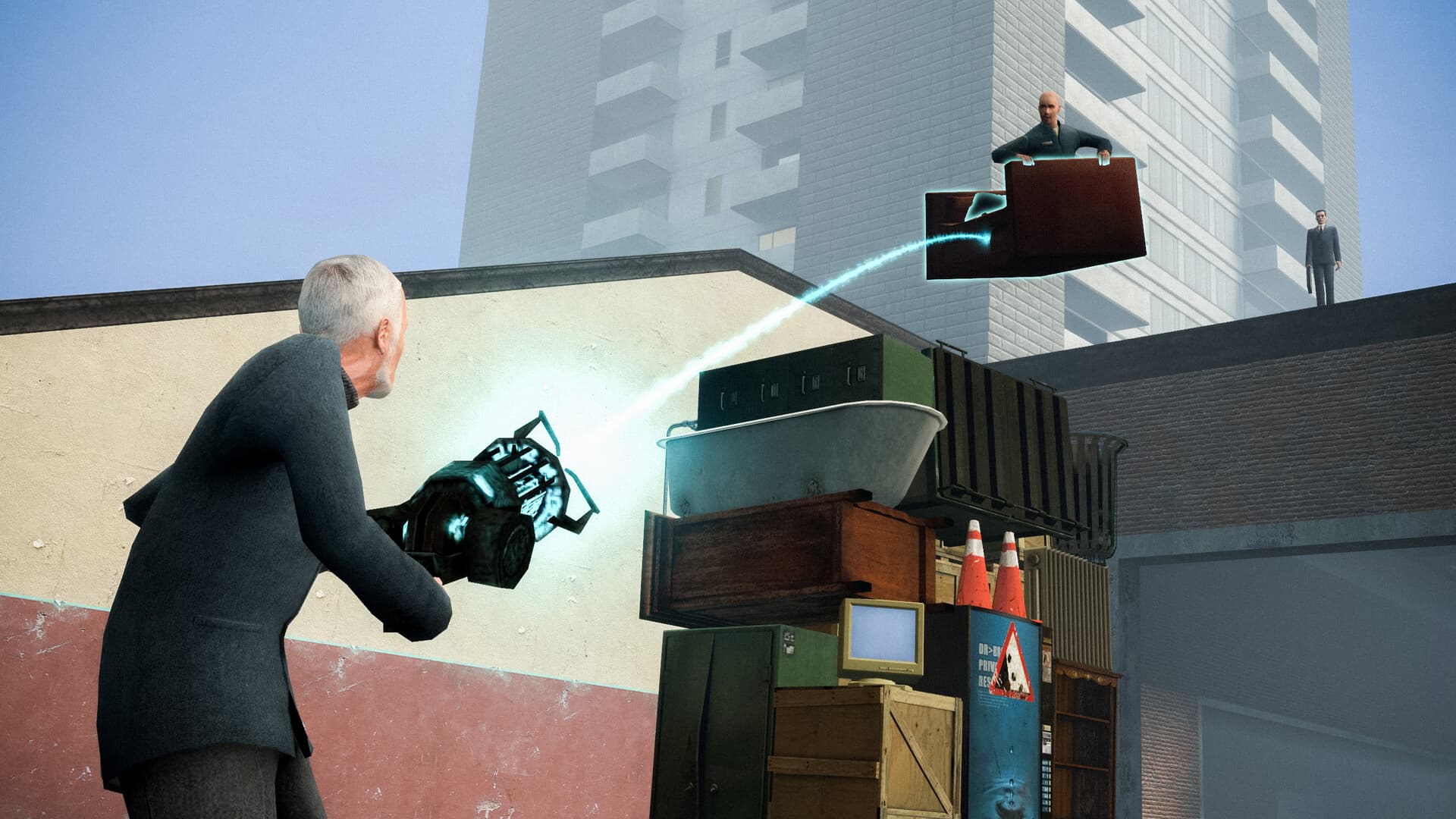 Screenshot: Garry's Mod © Valve
What you could build with Neocortex in Garry's Mod
Smart NPCs for sandbox and roleplay servers
On a roleplay server, give the city a cast: a shopkeeper who haggles and remembers who stiffed him, a bartender who knows the server's lore, a police dispatcher who reacts to what players report. Each character gets a Personality, an Emotion setting and a Knowledge base in the Neocortex editor, such as your server rules, the map's locations and your economy.
Players press use on the NPC and type in chat. Your addon sends the message along with nearby objects (the shop counter, the vending machine, the jail door) and recent events ("a player was arrested", "the bank alarm is ringing").
The character replies with an emotion tag on every line and actions such as { "name": "OPEN_DOOR", "targetId": "jail_door" } that the addon runs on the server.
Group chat (Pro and Team plans) puts up to six characters in one conversation, so a gang of NPCs can argue with a player at once.
A multiplayer quiz show host
Build a game show stage with a host NPC, buzzers and a scoreboard. Players answer in chat, the addon routes each answer to the Neocortex quiz engine, and the host announces who is right in voice. Question sets live in the Neocortex dashboard, so you can run a server trivia night, a lore quiz for new roleplayers, or a rules check that new players pass before they get a job. The quiz engine runs the questions, scoring and the leaderboard (Team plan), and your addon draws the standings on a HUD panel between rounds.
Voice commands for NPC helpers
Give each player a helper NPC that listens: "follow me", "wait here", "guard the door", "bring two crates". In the Neocortex dashboard you design a command set as actors, actions and objects: actor "helper", actions "follow", "wait", "guard" and "bring", objects "me", "door" and "crate". Players speak naturally, and the addon receives matched commands instantly, including several actions and quantities in one sentence. It works with push-to-talk or always-listening, in multiple languages, on the player's machine. Voice Commands is a licensed SDK: contact us for a Voice Commands license.
How Garry's Mod modding works
Garry's Mod addons are folders of Lua scripts and content, installed in garrysmod/addons or subscribed through the Steam Workshop.
Lua runs in two realms: the server, which owns NPCs, entities and game logic, and each client, which draws the HUD, plays sounds and handles input. The Garry's Mod wiki documents every function.
- Web requests. The global
HTTP()function launches an asynchronous request with a URL, method, headers, body and callbacks, andhttp.Fetchandhttp.Postwrap it for simple cases. The success callback also fires for error status codes, so always check the code. - Server to client. The
netlibrary sends the reply text to players, andchat.AddTextor a custom HUD panel shows it as subtitles. - Audio.
sound.PlayURLplays external sound files on the client. Serve the generated voice from a small endpoint you control, so clients can stream it without ever seeing the API key. - Binary modules. Native modules (
gmsv_for the server,gmcl_for the client) go ingarrysmod/lua/binand load withrequire. They cannot be installed through a Workshop addon, so anything native is a separate install for players or server owners.
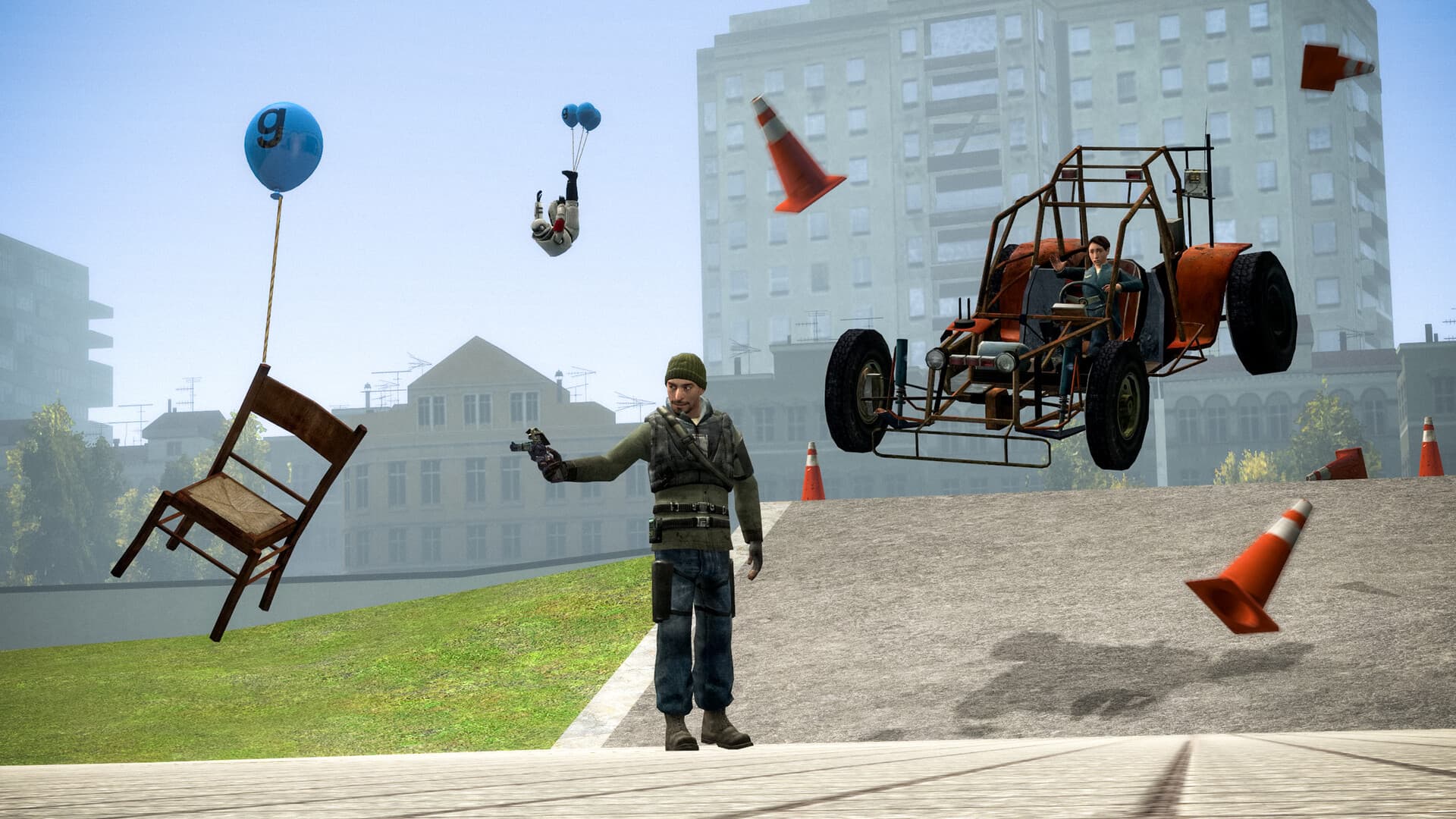 Screenshot: Garry's Mod © Valve
How Neocortex fits in
- Dialogue. The server reads game state and sends it with the player's message to a Neocortex character through
/v3/chat. It shows the reply as subtitles, plays the voice from/v3/audio/generateor/v3/audio/stream, and runs the actions the character returns. - Conversation Flows. They steer story beats, like a roleplay heist briefing, and return checkpoint keywords (
flowState) the addon reacts to. - Quizzes. The quiz engine runs question-and-answer games through
/v3/quiz, with scoring and a leaderboard. - Voice commands. On-device voice commands turn spoken phrases into game actions without a cloud round trip. The addon uses the Neocortex Voice Commands library on the player's machine and sends matched commands to the server.
A server-side chat call looks like this:
-- Server realm only: the key stays in garrysmod/data and never reaches players.
local apiKey = string.Trim(file.Read("neocortex_key.txt", "DATA") or "")
local function AskNPC(ply, text, sessionId, onReply)
    HTTP({
        url = "https://api.neocortex.link/v3/chat",
        method = "POST", type = "application/json",
        headers = { ["x-api-key"] = apiKey },
        body = util.TableToJSON({
            characterIds = { "CHARACTER_ID" },
            message = text,
            playerId = ply:SteamID64(),
            sessionId = sessionId or ""
        }),
        success = function(code, body)
            local data = util.JSONToTable(body)
            if code == 200 and data then onReply(data) end -- data.sessionId, data.messages
        end,
        failed = function(reason) print("[Neocortex] " .. reason) end
    })
end
Getting started with your Garry's Mod AI NPC addon
- Create an addon folder with a server-side Lua file and a spawnable NPC entity.
- Design your characters in the Neocortex dashboard: a shopkeeper, a quiz host with a question set, and a command set for helpers.
- Call
/v3/chatand/v3/quizfrom the server withHTTP(), and send replies to players with thenetlibrary. - Keep the API key in a server-side config file, never in client Lua or a Workshop upload.
- Test on a local listen server with a friend before you run it on a public server.
Mod policy and fair play
Garry's Mod servers set their own rules, so run AI NPC addons only on servers you own or where the owner agrees, and tell players they are talking to an AI. Follow the Steam Workshop rules when you publish, and make sure each server owner uses their own Neocortex API key. Add a per-player cooldown so one player cannot spam the NPC.
To learn how voice commands work on the player's machine, read on-device voice commands for game mods. For engine-level Source mods, see our Half-Life 2 AI NPC mod guide.
Tool versions and links checked October 2026. Modding tools change often; check each project's page for the latest release.
Frequently Asked Questions
Can you add AI NPCs to Garry's Mod?
Yes. Garry's Mod addons are written in Lua and the game has a built-in HTTP() function, so a server-side addon can send what players say to an AI character and act on the reply. Neocortex supplies the character, its voice and the actions it returns.
Can a Garry's Mod addon call a web API?
Yes. The global HTTP() function and the http.Fetch and http.Post helpers make asynchronous requests from the server or the client. For an AI NPC addon, make the calls on the server so your Neocortex API key never reaches players.
How do I run a quiz show on a Garry's Mod server?
Spawn a host NPC, route players' chat answers to a quiz engine and show the scores on a HUD panel. The Neocortex quiz engine runs the questions, scoring and leaderboard, so your addon only handles the stage and the chat.
Can Garry's Mod NPCs follow voice commands?
Yes, with a client-side component. Neocortex Voice Commands runs on each player's PC and turns phrases like "follow me" or "guard the door" into commands your addon receives instantly, offline. Because it runs on the player's machine, players install the voice part alongside the Workshop addon.
Where do I keep the API key on a Garry's Mod server?
On the server only, for example in a file in the server's data folder that your addon reads at startup. Never put the key in client-side Lua or a Workshop upload, since every player downloads those files.
Written by
Neocortex
Date
Oct 20, 2026
Updated
Oct 20, 2026
Read time
6 min