The New Neocortex Unreal SDK: Voiced AI NPCs for Unreal Engine 5
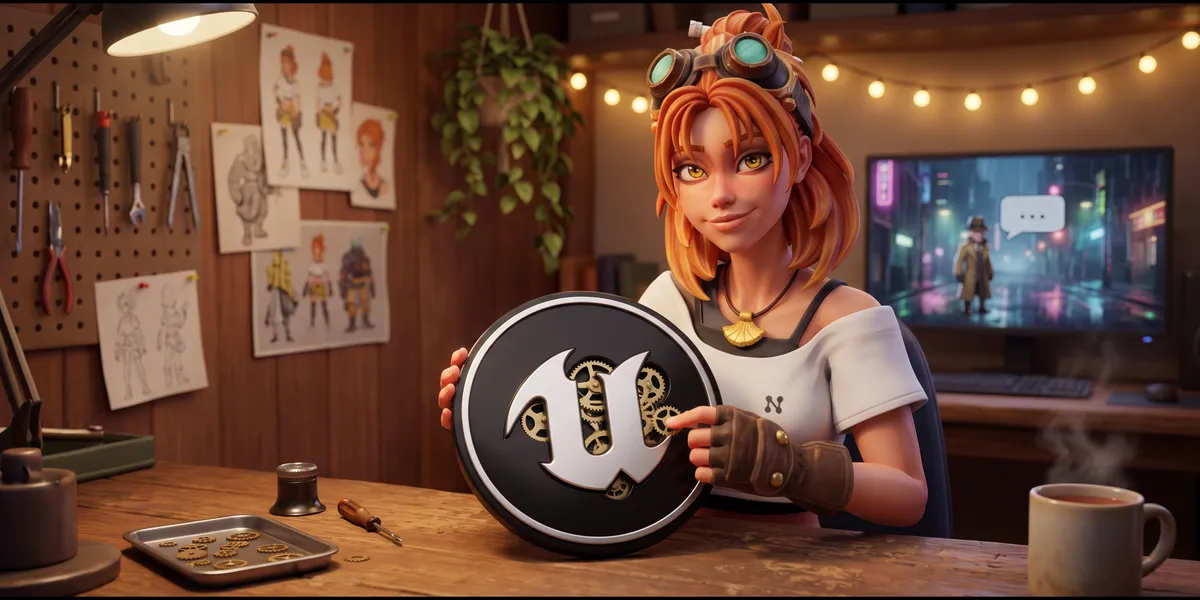
The new Neocortex Unreal SDK is out. Design a character on Neocortex, add the plugin to your Unreal Engine 5 project, and players can talk to it out loud, hear it answer in its own voice and watch it act in your world.
This release brings everything to Unreal at once: lip sync, group conversations and quiz hosts join voice chat and actions. It works from C++ and Blueprints, runs on desktop and mobile, and ships with seven sample maps.
What the Unreal SDK adds to your game
- Characters players can talk to, by typing or out loud.
- A voice and an emotion on every line, so animations can follow the mood.
- Actions that run your own code, like opening a door or handing over an item.
- Awareness of what's around the character in the level.
- Lip sync, group conversations of up to six characters, and quiz hosts.
- Memory, so a conversation picks up where it left off.
Voice chat with NPCs in UE5
Players can speak instead of type. The chat listens, sends what the player said once they pause, and the character answers in its own voice. If you'd rather have a button to hold, push to talk is one switch. The voice starts playing while the rest of the reply is still on its way, so conversations don't stall.
Each reply comes as a series of lines, each with its own emotion, so a guard can sound bored on one line and alarmed on the next. Our post on the AI NPC voice pipeline explains what happens between the microphone and the speaker.
NPCs that act on what they say
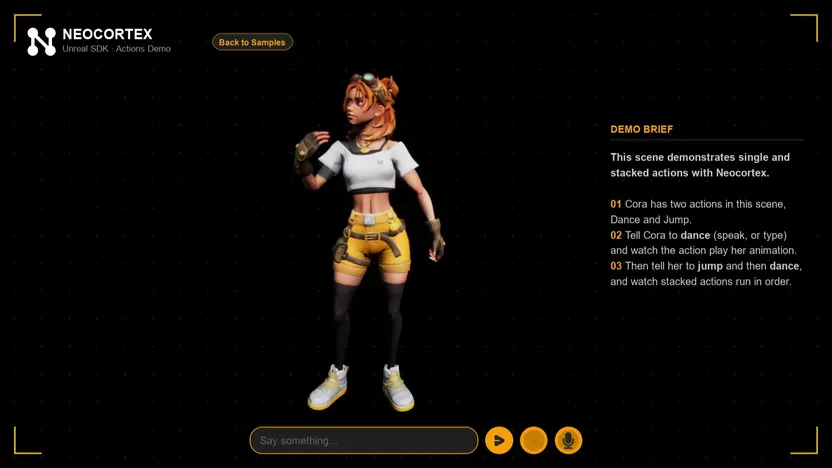
Give a character actions in the editor, such as WAVE, OPEN_DOOR or FOLLOW_PLAYER, and register a handler for each one, in C++ or with the Register Action node in Blueprints. Mark objects in your level as interactables, and the character knows what's nearby and can aim its actions at them. A reply can carry several actions, run one after another, and your game decides what actually happens.
Group conversations and quiz hosts
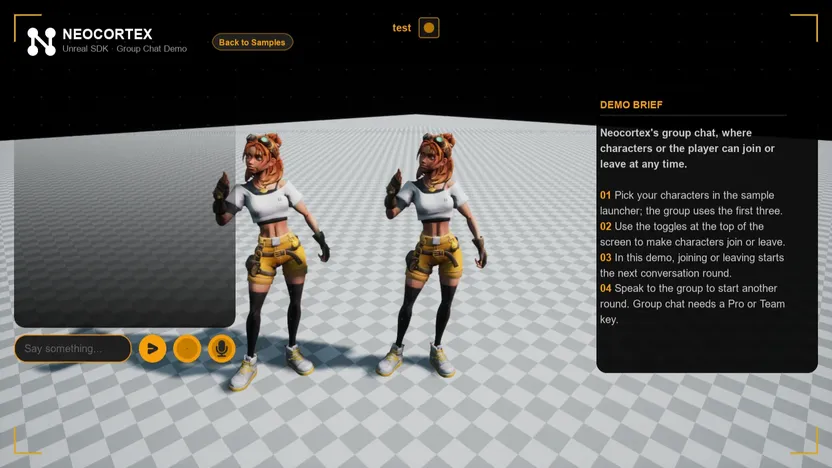
Put up to six characters in one scene. The player can talk to the whole group or to one of them, and the characters answer each other in their own voices. A quiz host runs a quiz or game show from your question set for one to four players, with hints, passes and scores handled on our side.
Seven sample maps
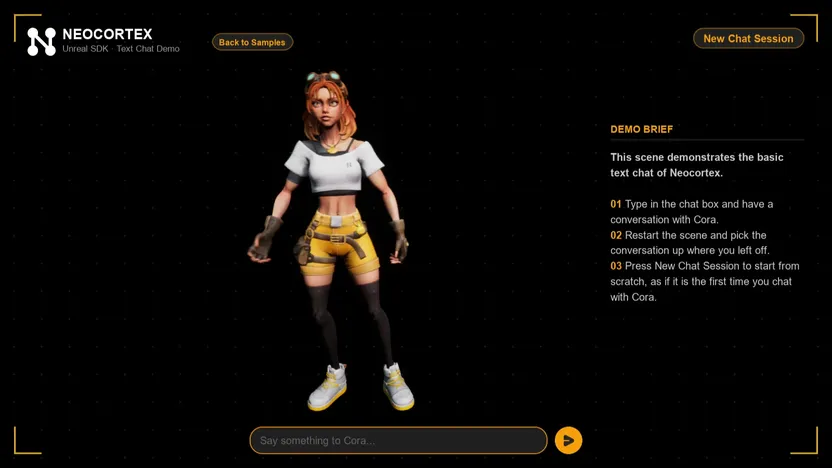
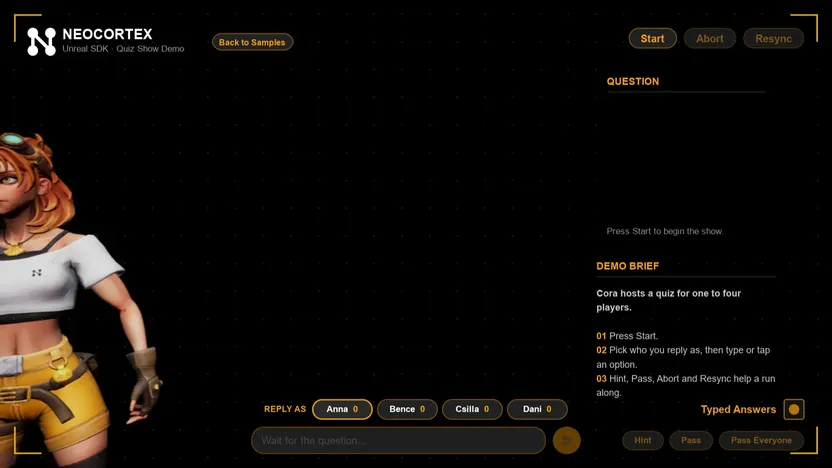
The plugin comes with seven sample maps starring Cora, a 3D character with her own animations and lip sync: text chat, audio chat, actions, interactables, group chat, usage gating and a quiz show. Each one is a complete setup you can play and take apart.
How to get started
Add the plugin from the latest release to your project's Plugins folder, paste your API key in the Neocortex window and open the samples. The Unreal quick start has the details, and our tutorial on building AI NPCs in Unreal Engine walks through a full scene.
The SDK is on GitHub under Apache 2.0. The same characters also work in Unity, Godot and the web, so a character you design for one game can come with you to the next.
Tell us what your Unreal game needs next on our Discord.
Frequently Asked Questions
Is there an AI NPC plugin for Unreal Engine 5?
Yes. The Neocortex Unreal SDK is an open-source plugin for Unreal Engine 5.0 and later. It adds voiced AI characters with emotions, actions, lip sync, group conversations and quizzes to your project.
Does the Neocortex Unreal SDK work with Blueprints?
Yes. The plugin needs a C++ project to compile, and after that every component, function and event works from Blueprints too.
Can players talk to Unreal NPCs with their voice?
Yes. The player speaks into the microphone, hands-free or with push to talk, and the character answers in its own voice with an emotion on every line.
Does the Unreal SDK support lip sync?
Yes. The Face Animator moves ARKit-style mouth morph targets on your character as it speaks, timed to the voice.
Which platforms does the Unreal SDK support?
Windows, macOS, Android and iOS.
Is the Neocortex Unreal SDK open source?
Yes. It's on GitHub under the Apache 2.0 license.
Written by
Neocortex Team
Date
Nov 18, 2026
Read time
4 min