Oblivion Remastered AI NPC Mod: Talking NPCs and Voice Commands
Oblivion's townsfolk are famous for their strange small talk, and the remaster made them look better than ever without changing what they say. An Oblivion Remastered AI NPC mod built on Neocortex lets the people of Cyrodiil answer the player in their own words, adds voice commands for guards and runs trivia nights in the guild halls. This guide covers what you could build, how Remastered modding works today, and notes for the classic game.
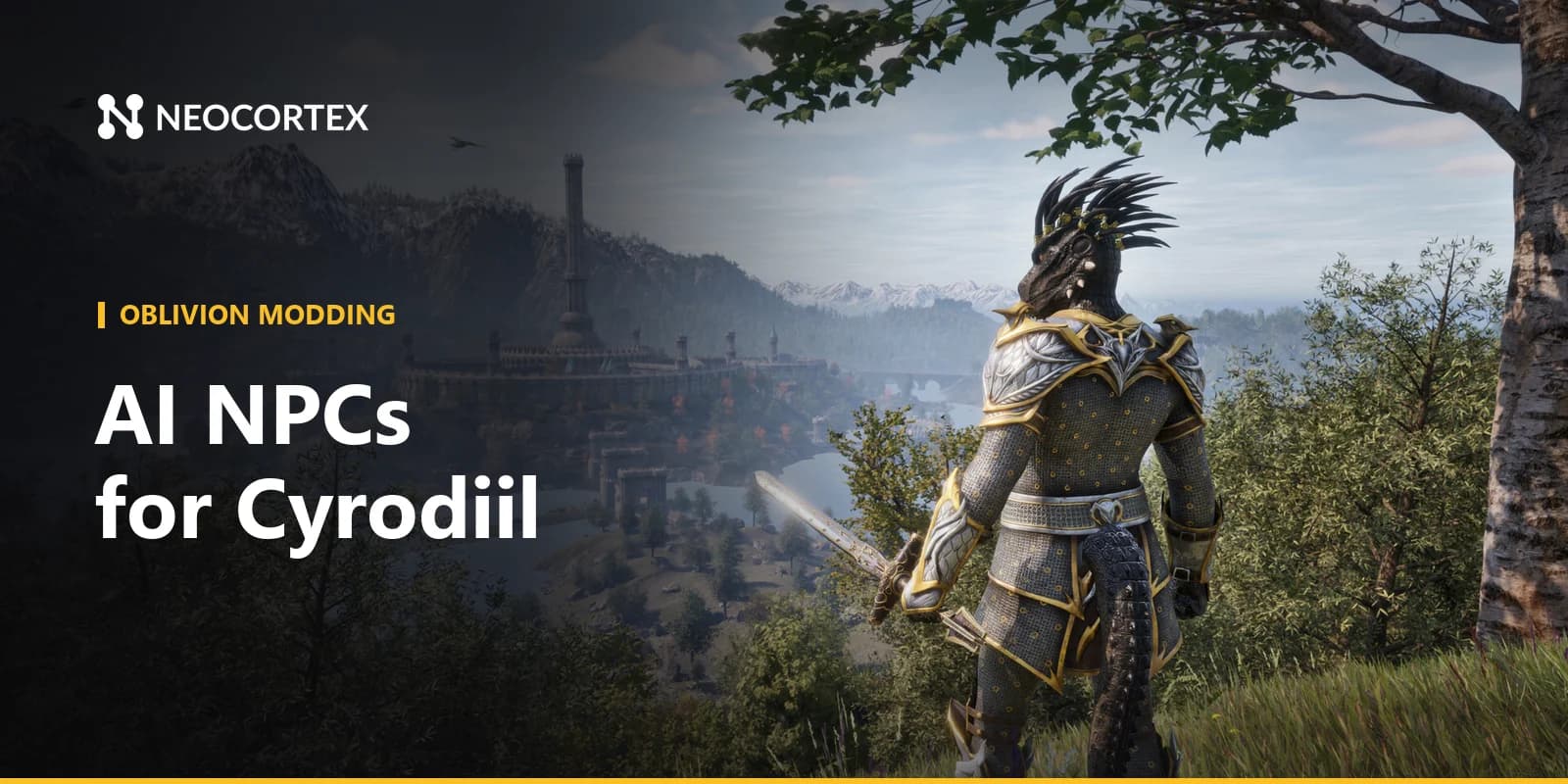
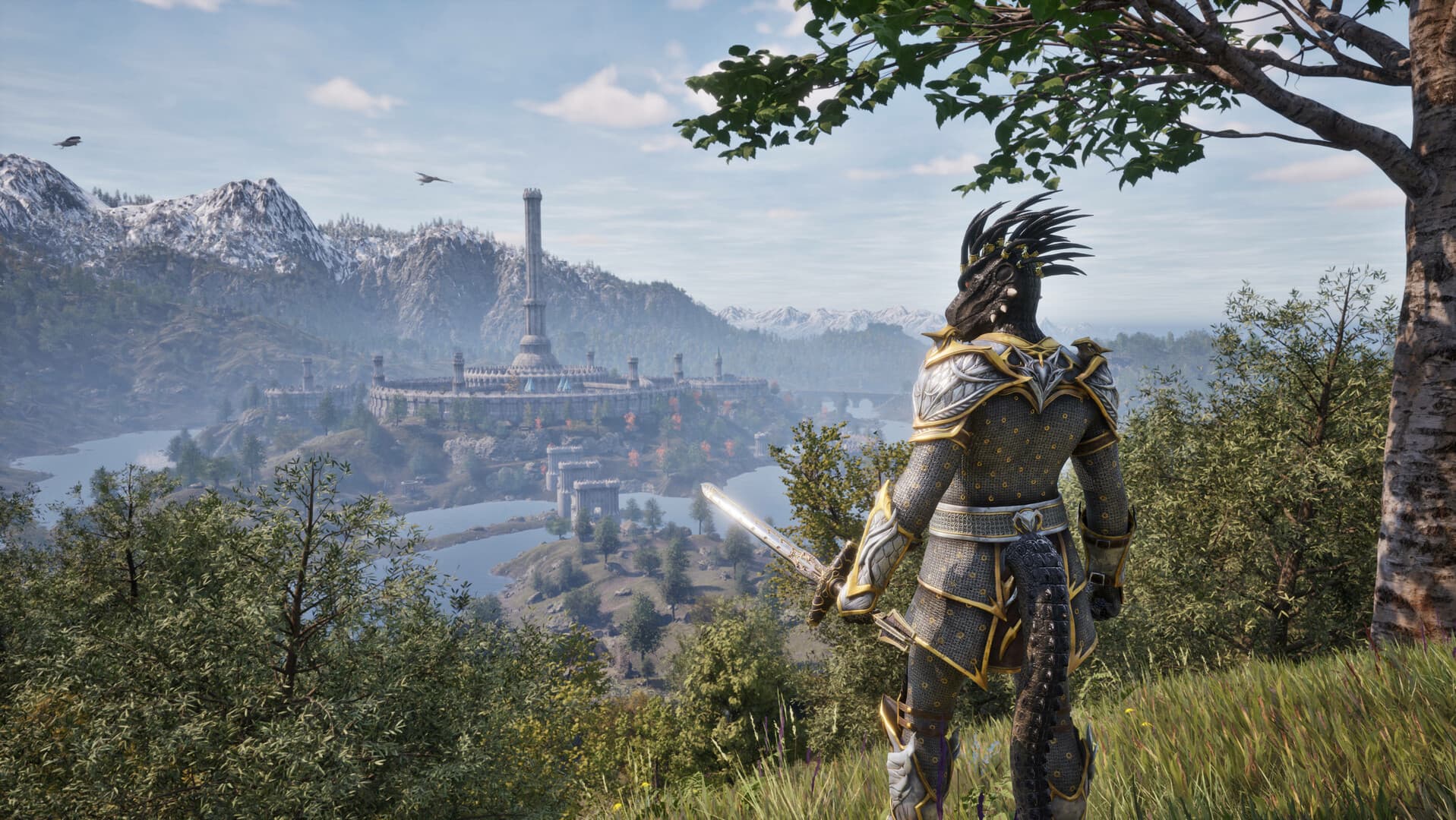 Screenshot: The Elder Scrolls IV: Oblivion Remastered © Bethesda Softworks
What you could build with Neocortex in Oblivion Remastered
Talking NPCs in Cyrodiil towns
Turn a few townsfolk into Neocortex characters: a Market District merchant in the Imperial City, a Chorrol innkeeper, a Skingrad wine seller.
Each one gets a Personality, an Emotion profile and a Knowledge base, for example a TXT file of local gossip about the Gates and the latest Arena results.
Your mod sends the player's line with recent events ("the player closed an Oblivion Gate near Kvatch") and nearby objects. The character answers in voice, every line carries an emotion tag such as HAPPY or ANGRY, and actions like OPEN_SHOP or GIVE_DIRECTIONS tell your mod what to do next.
For a market square scene, group chat lets up to six characters share one conversation on Pro and Team plans, so two merchants can argue over prices while the player listens in.
Guard voice commands
Guards are everywhere in Cyrodiil, which makes them a natural fit for voice control. Design a command set with actors ("guard", "captain"), actions ("follow", "open", "arrest", "wait") and objects ("gate", "that thief", "me"). A player can say "open the gate and call two guards", and your mod receives both commands with the quantity attached. It works push-to-talk or always-listening, offline, in multiple languages, using the Neocortex Voice Commands library on the player's machine. See how it works in our post on on-device voice commands for game mods. Voice Commands is a licensed SDK: contact us for a Voice Commands license.
A guild trivia quiz
Add an original host to the Mages Guild hall, say Archivist Velonis, who runs a weekly test on schools of magic, Daedric artifacts and Tamrielic history. The question set lives in the Neocortex dashboard and the quiz engine (Team plan) runs questions, scoring and the leaderboard. Your mod handles the host's idle animations and gives a small reward to apprentices who pass.
How Oblivion Remastered modding works
Oblivion Remastered keeps the original engine running the game's logic and uses Unreal Engine 5 for the visuals, so modding touches both layers.
- Official status. Bethesda's support FAQ says mods are not supported for Oblivion Remastered, and there are no official modding tools for it. Everything below is community-made, and a game update can break it.
- OBSE64 is the Oblivion Remastered Script Extender. It is at an early stage and currently works mainly as a plugin loader for native C++ plugins. It targets the latest Steam version; the Microsoft Store and Game Pass version is not supported.
- UE4SS is a scripting and modding toolkit for Unreal Engine 4 and 5 games. It offers a Lua scripting API and a C++ modding API built on the Unreal object system, plus object dumpers and a live property editor that help you find the right classes to hook.
In practice, the network call belongs in native code: a UE4SS C++ mod or an OBSE64 plugin that calls the Neocortex API on a background thread with WinHTTP or libcurl. Lua scripts can handle the game-side glue, such as reacting when the player starts talking to an NPC. Showing subtitles means hooking the game's Unreal UI, and playing generated voice means routing the audio from the API through your own playback code.
Classic Oblivion
For the original 2006 game, xOBSE is the community-maintained fork of the Oblivion Script Extender. It supports native plugins and new script commands, with a strong focus on backwards compatibility with older mods, which makes it a stable base for the same Neocortex setup.
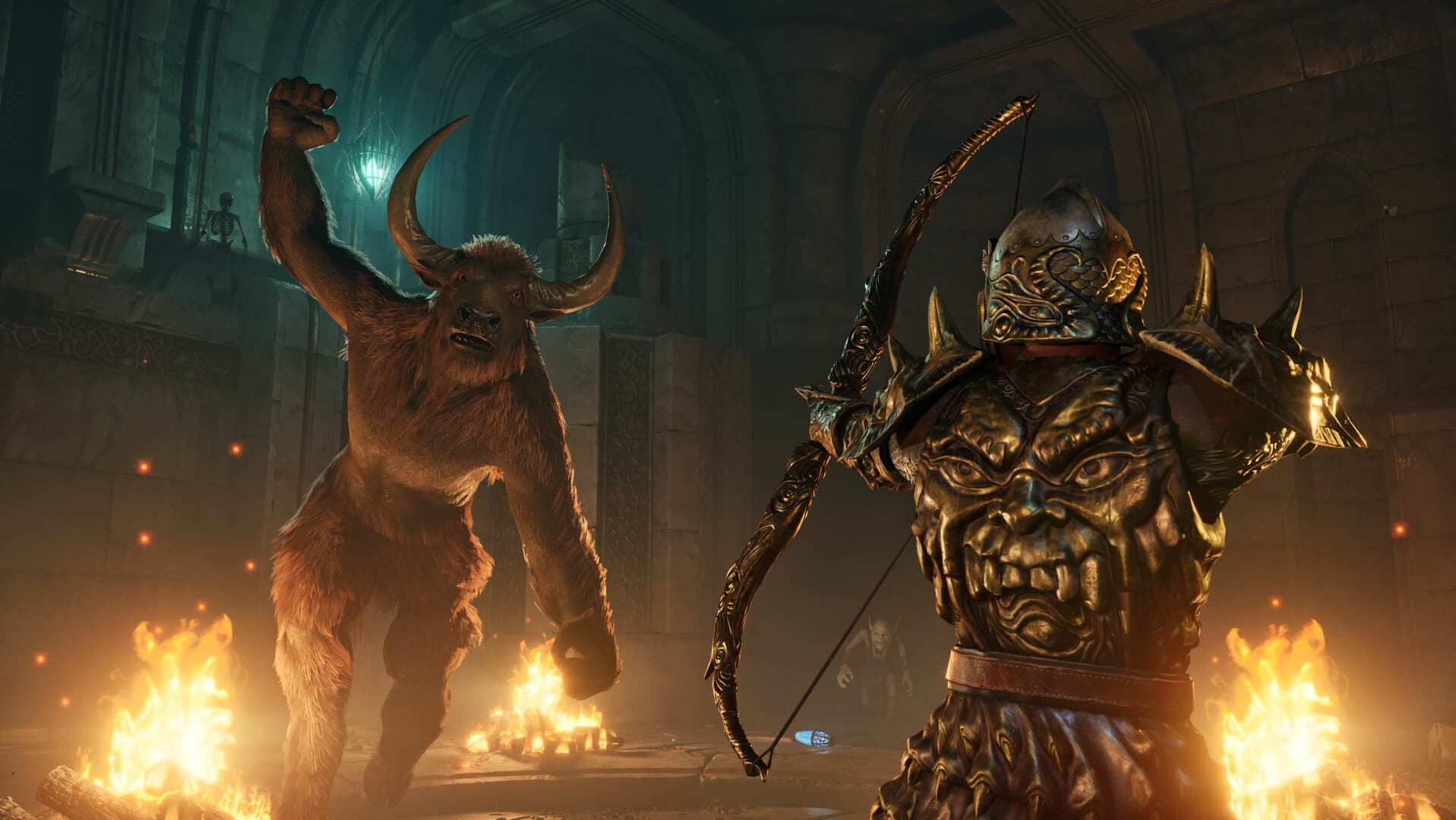 Screenshot: The Elder Scrolls IV: Oblivion Remastered © Bethesda Softworks
How Neocortex fits in
- Dialogue. The mod reads game state and sends it to a Neocortex character through
/v3/chat, shows the reply as subtitles, plays the voice from/v3/audio/generateor/v3/audio/stream, and runs the actions the character returns. - Story beats. Conversation Flows steer a scene through branching beats and return checkpoint keywords (
flowState) the mod reacts to, for example starting a guild task once a character has given the player directions. - Quizzes. The quiz engine runs question-and-answer games through
/v3/quiz. - Voice commands. On-device voice commands turn spoken phrases into game actions without a cloud round trip.
Characters are built in a visual node editor with Personality, Emotion, Knowledge, Language and Voice nodes, and you can test them in the browser for free before writing any mod code. If you design voices, use voice design from a text description or a voice you own the rights to.
Getting started with your Oblivion Remastered AI NPC mod
- Pick your base. Install UE4SS for Remastered, add OBSE64 if your plugin needs it, or use xOBSE for the classic game.
- Map the game. Use UE4SS's dumpers to find the classes for NPCs, dialogue and UI you want to hook.
- Design the character in the Neocortex dashboard, plus a quiz question set or a voice command set if you need them. Test in the browser first.
- Connect from native code. Call
/v3/chatoff the game thread and pass the reply back to your Lua or C++ hooks. - Keep the API key in a config file each player fills in. Never ship your own key in a shared mod.
- Test in single-player on a backed-up save, and retest after every game patch.
Mod policy and fair play
Bethesda does not officially support mods for Oblivion Remastered, so players install them at their own risk and should keep backups of their saves. Keep your mod free and non-commercial, and keep it to the single-player game it was made for. Each player should use their own Neocortex API key, entered in the mod's config file.
New to voice control in mods? Read our foundation post on on-device voice commands for game mods, then see how the same ideas work in the Skyrim AI NPC mod guide.
Tool versions and links checked October 2026. Modding tools change often; check each project's page for the latest release.
Frequently Asked Questions
Does Oblivion Remastered support mods?
Not officially. Bethesda's support FAQ says mods are not supported for Oblivion Remastered, but the PC community mods it anyway with tools like OBSE64 and UE4SS. A Neocortex-powered AI NPC mod would be built on those community tools.
Can you add AI NPCs to Oblivion Remastered?
Yes, on PC. A native mod built on UE4SS or OBSE64 can send the player's words and game events to an AI character and show the reply in game. Neocortex provides the characters, voices, Conversation Flows and quizzes through one web API.
What is the difference between OBSE64 and xOBSE?
OBSE64 is the script extender for Oblivion Remastered and is still at an early stage, mostly acting as a plugin loader. xOBSE is the community-maintained script extender for the original 2006 Oblivion. Both can host a native plugin that talks to the Neocortex API.
Can I give orders to Oblivion guards with my voice?
With a mod, yes. Neocortex Voice Commands runs offline on the player's PC and turns phrases like "open the gate and call two guards" into game actions. Voice Commands is a licensed SDK, so contact us for a license.
Written by
Neocortex
Date
Oct 20, 2026
Updated
Oct 20, 2026
Read time
6 min