MSFS AI Copilot: Voice Commands and an AI First Officer
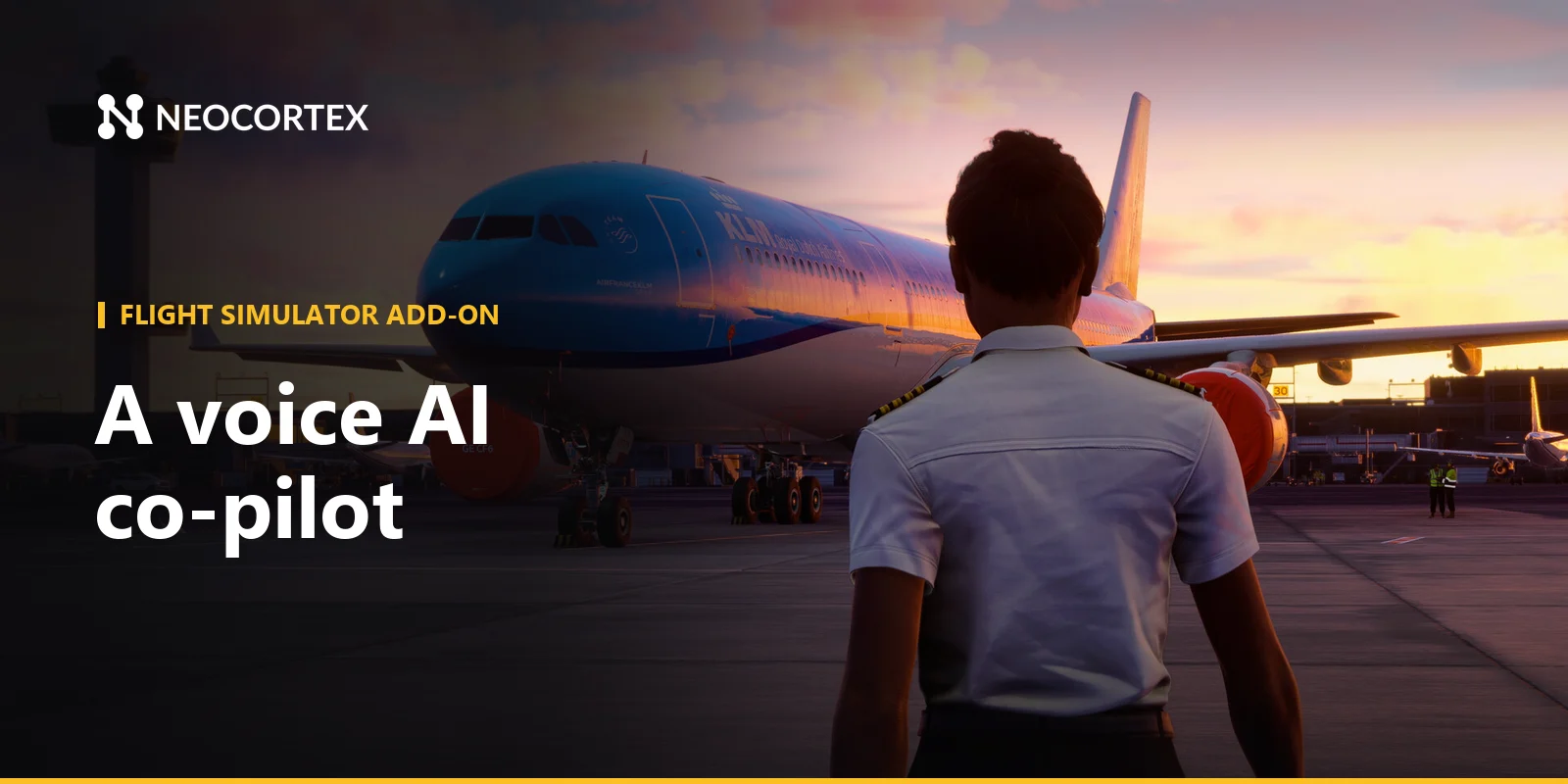
Flying a long leg alone in Microsoft Flight Simulator means running every checklist, every switch and every callout yourself. An MSFS AI copilot fixes that: a first officer who reads the checklist, checks the gear is actually down, answers "what is our fuel at destination?", and moves the flaps when you say so. Neocortex gives your SimConnect app the AI character, Conversation Flows, a quiz engine and on-device voice commands to build it, for both MSFS 2020 and MSFS 2024.
 Screenshot: Microsoft Flight Simulator 2024 © Xbox Game Studios
What you could build with Neocortex in MSFS
An AI first officer that runs checklists
Before landing, the first officer calls "Landing checklist" and works through it challenge and response. Your app checks each answer against SimVars, so "Gear down, three green" only passes when the gear really is down.
Each message carries live flight data as events: altitude, airspeed, fuel, flap position, next waypoint. Ask "how much fuel will we have on arrival?" or "what is the field elevation?" and the first officer answers from the numbers and the aircraft notes you uploaded to its Knowledge node.
A Conversation Flow keeps the flight on rails, from before start to shutdown, returning checkpoint keywords like TAXI_CHECK_DONE or APPROACH_BRIEFED your app reacts to.
When the character returns an action such as { "name": "LANDING_LIGHTS_ON", "targetId": "landing_lights" }, your app sends the matching event to the sim.
On-device voice commands for gear, flaps, lights and autopilot
Short cockpit commands need to be instant. Design a command set with actors ("first officer", "copilot"), actions ("gear up", "gear down", "flaps", "lights on", "engage") and objects ("landing lights", "strobes", "nav lights", "autopilot").
"Gear up, flaps up" arrives as two commands. "Flaps down two notches" arrives with the quantity attached, and your app sends FLAPS_INCR twice.
Your app maps each command to SimConnect key events such as GEAR_UP, GEAR_DOWN, GEAR_TOGGLE, FLAPS_INCR, FLAPS_DECR, LANDING_LIGHTS_TOGGLE, STROBES_TOGGLE, TOGGLE_NAV_LIGHTS and AP_MASTER.
Matching runs on the player's PC with no cloud round trip, so it works offline on a five-hour crossing.
An ATC procedures and pilot-training quiz
Turn the cruise into study time. A flight instructor character runs a quiz on phraseology, airspace classes and METAR decoding: "What does squawk 7600 mean?" "What does BKN mean in a METAR?" The quiz engine (Team plan) runs the questions, scoring and a leaderboard for your virtual flight school, and the instructor explains each answer. Treat it as a study aid, not a replacement for real training.
How MSFS modding works
MSFS add-ons that need custom code use the SDK, which you download from inside the sim after turning on Developer Mode. Code runs in one of two places:
- SimConnect clients are standalone apps that connect to the running sim. They can be written in C, C++ or any .NET language through the managed wrapper. The SDK docs recommend this route, because a crash in your app typically does not take the sim down with it.
- WASM modules are C++ compiled to WebAssembly and run inside the sim. Their Network API can make HTTPS requests, with a small limit on requests in flight at once.
An external SimConnect app is the natural home for an AI copilot. It reads SimVars, sends key events with SimConnect_TransmitClientEvent, calls web APIs, uses the microphone and plays audio like any Windows app.
Show subtitles in a small window on a second screen or an overlay. The same app works with MSFS 2020, documented in the MSFS 2020 SimConnect SDK, and the 2024 SDK keeps modules built for 2020 running.
Study-level add-on aircraft often run their own systems, so check how each one exposes its switches before mapping commands. AI-driven voice ATC add-ons already exist for the sim; this guide focuses on the cockpit side.
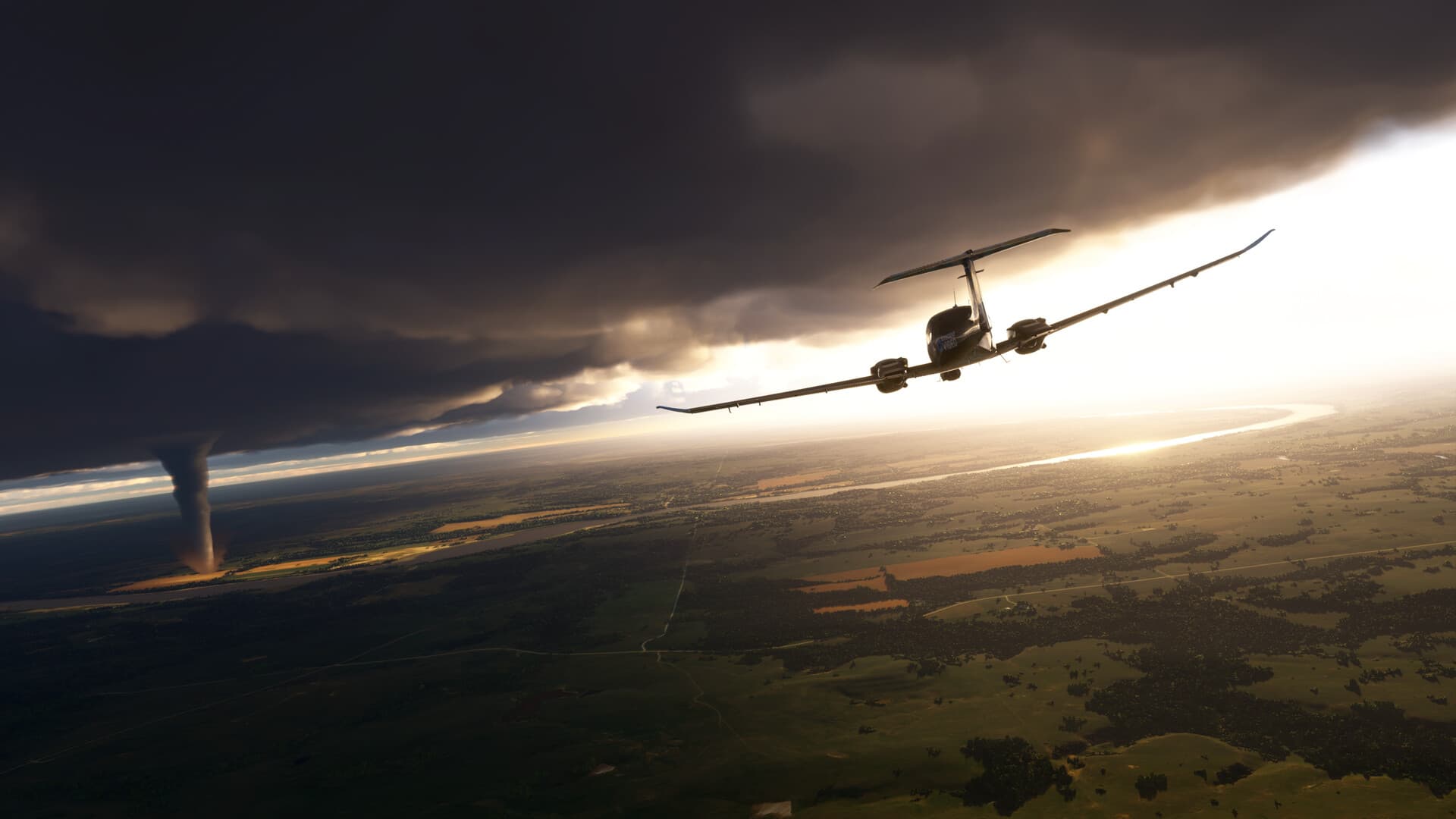 Screenshot: Microsoft Flight Simulator 2024 © Xbox Game Studios
How Neocortex fits in
- Dialogue. The app reads flight state, sends it to a Neocortex character through
/v3/chat, shows the reply as subtitles, plays the voice from/v3/audio/generateor/v3/audio/stream, and runs the actions the character returns through SimConnect. - Conversation Flows. Flows steer the flight phases and return checkpoint keywords the app reacts to.
- Quizzes. The quiz engine runs the training questions through
/v3/quiz. - Voice commands. The Neocortex Voice Commands library on the player's machine turns spoken phrases into cockpit actions without a cloud round trip.
Characters are built in a visual node editor with personality, emotion, knowledge, language and voice nodes, in 20+ languages with accents, so your first officer can brief in French or Spanish. Up to six characters can share one conversation on Pro and Team plans: captain's banter with the first officer and a cabin crew member. For how Neocortex compares with other AI character platforms, see our comparison page.
Getting started
- Install the SDK from the sim's Developer Mode and build a basic SimConnect app in C# or C++.
- Design the first officer in the Neocortex dashboard, with your aircraft notes as knowledge, a flight-phase flow and a training question set. Test them in the browser.
- Design a cockpit command set for gear, flaps, lights and autopilot, with a few example phrases per action.
- Connect from the app. Call
/v3/chatoff the SimConnect thread, reuse thesessionIdfor the whole flight, and map returned actions to key events. - Keep the API key in a config file the player fills in, never hard-coded in a shared add-on.
- Test offline in a default aircraft with push-to-talk before moving to add-on aircraft.
Voice Commands is a licensed SDK: contact us for a Voice Commands license.
Mod policy and fair play
Follow the license terms that come with the MSFS SDK and Microsoft's Game Content Usage Rules, and keep a free, non-commercial project free. Fly with it solo; in shared cockpits, multiplayer or online ATC networks, use it only where their rules allow. Each player uses their own Neocortex API key.
For the voice side in more depth, read on-device voice commands for game mods. Prefer the road to the sky? See our Euro Truck Simulator 2 AI co-driver mod guide or the full AI NPC and voice command mods index.
Tool versions and links checked October 2026. Modding tools change often; check each project's page for the latest release.
Frequently Asked Questions
Can you add an AI copilot to Microsoft Flight Simulator?
Yes. An external SimConnect app can read flight data from MSFS 2020 or 2024, talk to an AI character and send control events back to the sim. A Neocortex first officer can run checklists, answer questions and return actions your app executes.
Can I control MSFS with voice commands?
Yes. SimConnect exposes key events for gear, flaps, lights and autopilot, so any app that turns speech into those events gives you voice control. Neocortex Voice Commands does the listening and matching on the player's PC, offline, and hands your app the command.
Does an MSFS AI copilot work in both MSFS 2020 and 2024?
SimConnect is available in both sims, and the MSFS 2024 SDK keeps modules built for 2020 working. A Neocortex copilot app can target both, with the AI side running through the same web API.
Can a flight sim quiz help with pilot training?
A quiz on phraseology, airspace and METAR decoding is a good study aid, though it does not replace real flight training. The Neocortex quiz engine (Team plan) runs the questions, scoring and a leaderboard, and a character can explain each answer.
Do I need internet for MSFS voice commands with Neocortex?
No. Neocortex Voice Commands runs on the player's PC, so gear, flaps and lights commands work offline and respond instantly. The AI first officer's conversation uses the Neocortex API.
Written by
Neocortex
Date
Oct 20, 2026
Updated
Oct 20, 2026
Read time
6 min