GTA San Andreas and Vice City AI NPC Mod: Smart NPC Dialogue
The 3D-era GTA games are still some of the most modded on PC, and their streets are full of NPCs who only know a handful of shouted lines. A GTA San Andreas AI NPC mod gives those characters real dialogue: they answer questions, remember you and react to your stats, your gang and your driving. Neocortex adds AI characters with voices, actions and emotions, Conversation Flows, quizzes and on-device voice commands, and the same approach works for Vice City and GTA III.
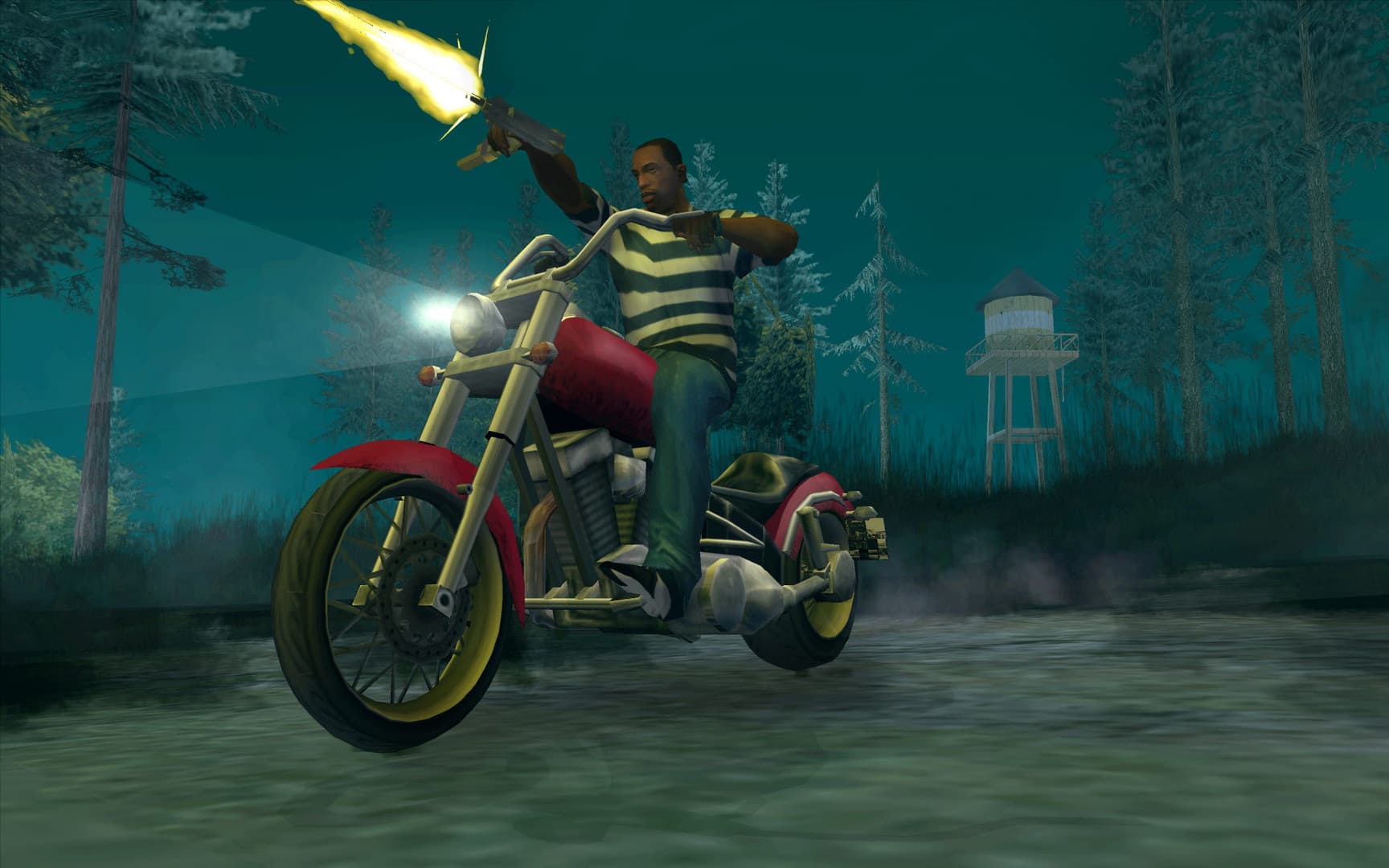 Screenshot: Grand Theft Auto: San Andreas © Rockstar Games
What you could build with Neocortex in GTA San Andreas and Vice City
Locals who notice who you are
San Andreas tracks a lot about CJ: fat, muscle, respect, wanted level, the clothes he is wearing, which gang owns the block. Send that to an original character, say a barber in Ganton or a burger stand owner in Los Santos, as events with each message.
Turn up with low respect and a terrible haircut and they say so. Come back after taking three territories and they have heard about it. Every reply carries an emotion tag you can map to a facial animation or a voice tone, and actions like { "name": "GIVE_DISCOUNT" } let the character affect your game.
Voice commands for your crew
San Andreas lets you recruit gang members, and voice is the natural way to boss them around. With Neocortex Voice Commands the player says "recruit two guys and follow me", "wait here" or "everyone get in the car", and your plugin receives the matched commands, quantity included. In Vice City the same command set can call a cab, switch the radio or tell your passenger to wait by the car, all without a menu.
A radio-style trivia host on long drives
Both games are famous for their radio. Build an original late-night host for a fictional station who runs a trivia quiz while you drive from Los Santos to Las Venturas, or an 80s pop culture quiz on Ocean Drive. The quiz engine (Team plan) handles questions, scoring and the leaderboard, speech-to-text lets the player answer out loud, and the host's voice streams back as audio.
How GTA San Andreas and Vice City modding works
Classic GTA mods load as native code inside the game process. The usual stack in October 2026:
- Ultimate ASI Loader by ThirteenAG is a proxy DLL that loads
.asiplugins from the game folder or ascriptsfolder. - plugin-sdk by DK22Pac is the C++ SDK for writing ASI and CLEO plugins for GTA San Andreas, Vice City and GTA III. It exposes the reversed game classes, so your plugin can read peds, vehicles and player stats, and draw text through the game's own message and font functions.
- CLEO 5 is the script library for San Andreas (5.4.0, March 2026). It targets San Andreas 1.0 US, so newer store builds generally need downgrading first. It ships plugins for audio playback, text, INI files and input.
- CLEO for GTA III and Vice City is the 2.x line for the older two games (2.2.0, July 2026).
- CLEO Redux runs JavaScript and TypeScript scripts on GTA III, Vice City and San Andreas (with CLEO 4.4 or CLEO 5), plus other titles.
For a Neocortex mod, the part that talks to the web belongs in a C++ ASI plugin: it can make HTTPS requests with WinHTTP or libcurl on a background thread, show the reply as subtitles with the game's message functions, and play the voice audio. CLEO scripts are useful alongside it for quick gameplay glue, such as spawning the character or marking where they stand.
The Definitive Edition is a different engine. The 2021 Trilogy remasters run on Unreal Engine, plugin-sdk and CLEO 5 do not apply, and CLEO Redux is the main scripting option, with far fewer community tools. If you want AI NPCs, start from the classic PC versions.
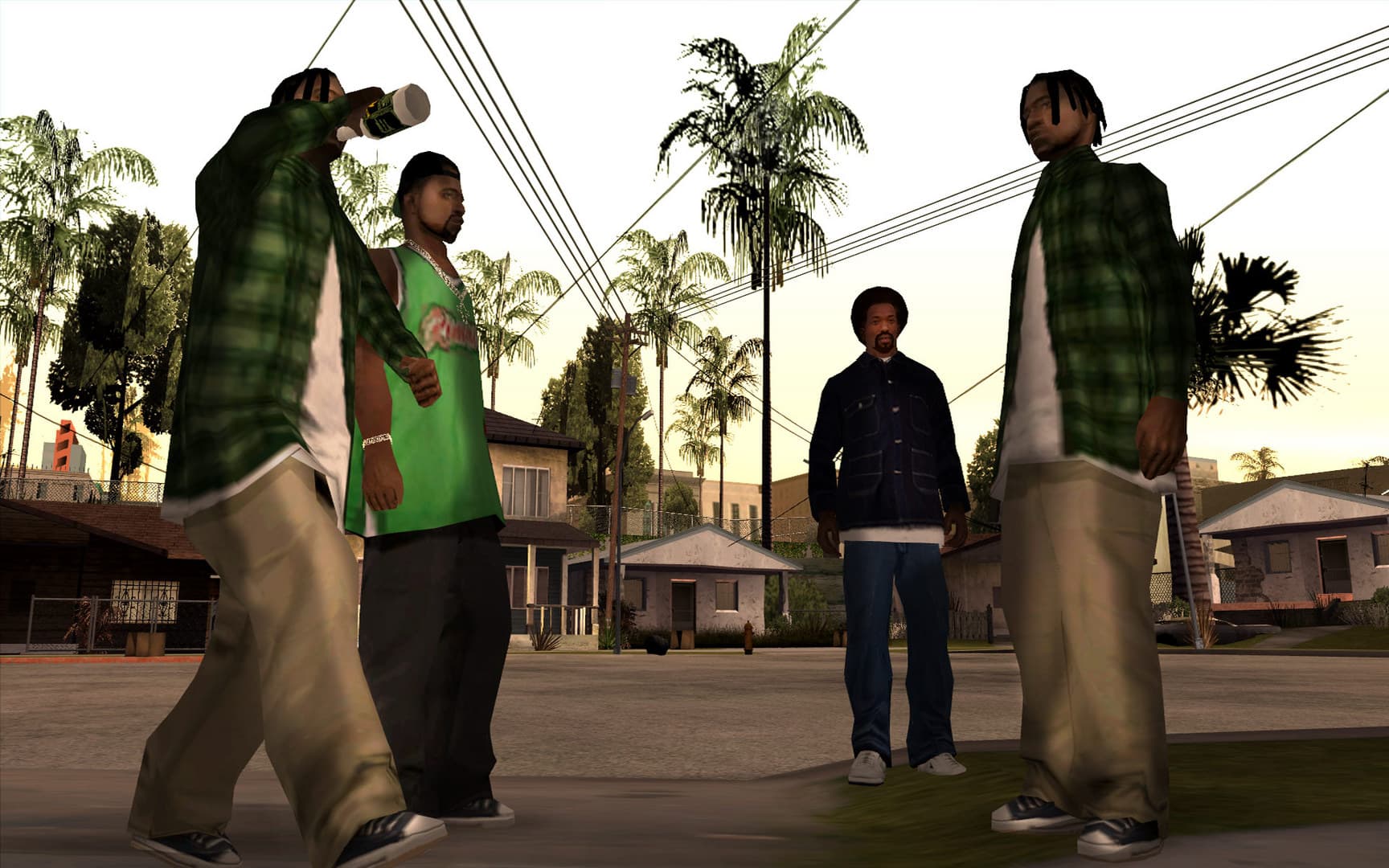 Screenshot: Grand Theft Auto: San Andreas © Rockstar Games
How Neocortex fits in
- Dialogue: the plugin reads game state (stats, location, nearby peds, recent events), sends it with the player's line to a Neocortex character (
/v3/chat), shows the reply as subtitles, plays the voice from/v3/audio/generateor/v3/audio/stream, and runs the actions the character returns. - Conversation Flows: for a longer chat, a flow steers the character through beats you design and returns checkpoint keywords (
flowState), such asTRUSTS_PLAYER, that your plugin reacts to. - Quizzes: the quiz engine runs the trivia host through
/v3/quiz: start with a question set, send the player's answers, read back the score. - Voice commands: on-device voice commands turn speech into game actions without a cloud round trip. The plugin uses the Neocortex Voice Commands library on the player's machine, and you design the command set in the dashboard as actors ("crew"), actions ("follow", "wait", "recruit") and objects ("me", "car"). Push-to-talk or always listening, in multiple languages.
Characters are built in a visual node editor: personality, emotion, knowledge files about the neighbourhood, world details, voice. You can test them in the browser before touching the game.
Getting started
- Set up a classic PC copy with Ultimate ASI Loader, and CLEO 5 (San Andreas) or CLEO for III and Vice City if you want scripts.
- Create a plugin-sdk project and build an empty
.asithat loads in game. - Design your character, flow, quiz or voice command set in the Neocortex dashboard and test it in the browser.
- Connect from the plugin with HTTPS on a background thread, then show subtitles and play audio on the game side.
- Read the API key from an
.inifile that each player fills in with their own key. - Test in single-player on a save you do not mind breaking.
Voice Commands is a licensed SDK: contact us for a Voice Commands license.
Mod policy and fair play
Rockstar's PC single-player mods policy covers its PC games: Take-Two generally will not act against single-player, non-commercial projects that respect third-party IP, and new stories, missions and maps are excluded. So build talking locals, crew commands and quizzes with original characters rather than new missions or Rockstar's cast, keep the mod free, and have each player use their own Neocortex API key.
For the newer games, see our GTA 5 AI NPC mod and GTA 4 AI NPC mod guides. For the voice side, read about on-device voice commands for game mods.
Tool versions and links checked October 2026. Modding tools change often; check each project's page for the latest release.
Frequently Asked Questions
Can you add AI NPCs to GTA San Andreas?
Yes. An ASI plugin built with plugin-sdk runs inside the classic game, can read the player's surroundings and stats, and can call a web API. Neocortex supplies the AI character, its voice and the actions it returns, so the plugin only has to show subtitles and run game code.
Do I need CLEO for a GTA San Andreas AI mod?
Not strictly. The network and audio side is easiest in a C++ ASI plugin loaded by Ultimate ASI Loader, while CLEO 5 scripts are handy for gameplay triggers. Many mods use both, with Neocortex handling the dialogue.
Does this work on Vice City and GTA III too?
Yes. plugin-sdk covers GTA III, Vice City and San Andreas, and CLEO for III and Vice City handles scripts on those games. The Neocortex side is identical: the same characters, Conversation Flows and quizzes work in all three.
Can I mod the GTA Trilogy Definitive Edition with AI NPCs?
Only in a limited way. The Definitive Edition runs on Unreal Engine, the classic tools do not apply, and CLEO Redux is the main scripting option. The classic PC versions are the better base for a Neocortex mod.
Can I use voice commands in GTA San Andreas?
Yes. Neocortex Voice Commands runs on the player's PC and turns natural speech like "recruit two guys and follow me" into commands your plugin executes, with no cloud round trip.
Written by
Neocortex
Date
Oct 20, 2026
Updated
Oct 20, 2026
Read time
6 min